Hologram
225+ Interactive Visual Effects and Card Shaders Built with AI
Overview and The Spark
I built Hologram because I wanted to explore what shader effects could do in modern web design. At the start, I only planned to make a few simple hover effects for web cards. But as I kept experimenting and testing new ideas with AI, things snowballed over the next eight months into a huge playground of over 225 interactive shader cards.
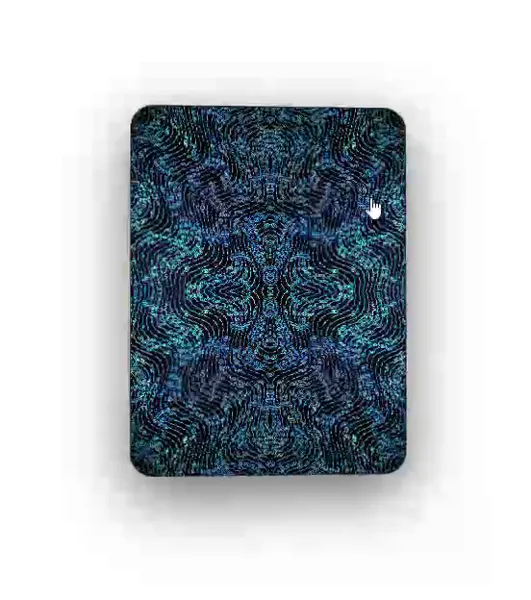

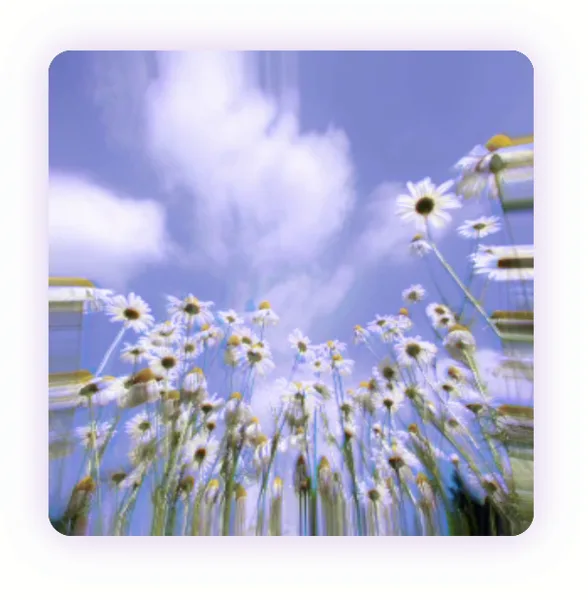

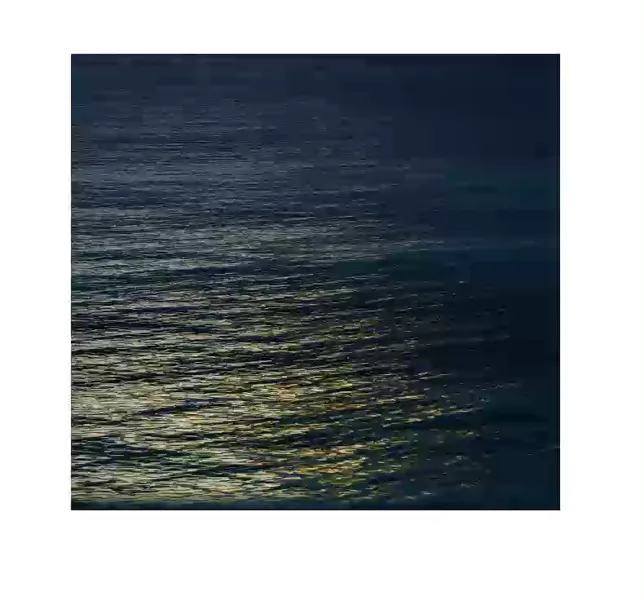

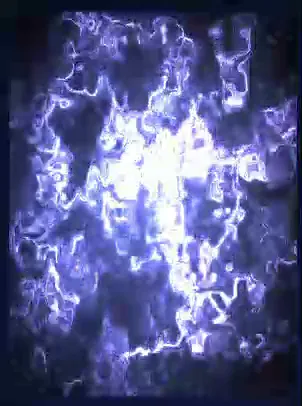

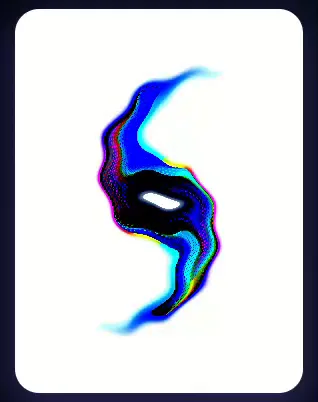

Most websites today are flat and static. With Hologram, I wanted to see how far I could push visual effects directly in the browser, from holographic rainbow cards and fluid waves to neon glitches and volumetric fire.
How I Used AI to Build Every Shader
To be completely honest, I did not write the raw Three.js and WebGL shader code by hand. Instead, I used AI tools like Claude Code and the Antigravity CLI to generate all the code for me.
My process was simple. First, I opened a markdown file to chat and brainstorm visual ideas with AI, discussing colors, movement styles, and interaction rules. Once we had a solid plan, I asked the AI to write the code. I also kept a backup notes file to log every effect we created so I could keep track of what worked and avoid repeating the same visuals.
Hand-Tuning the Effects with Live Sliders
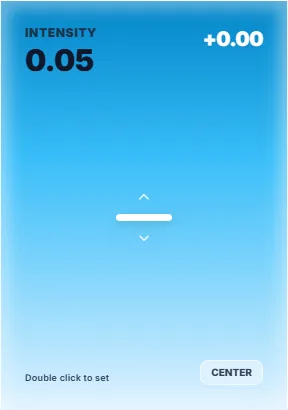

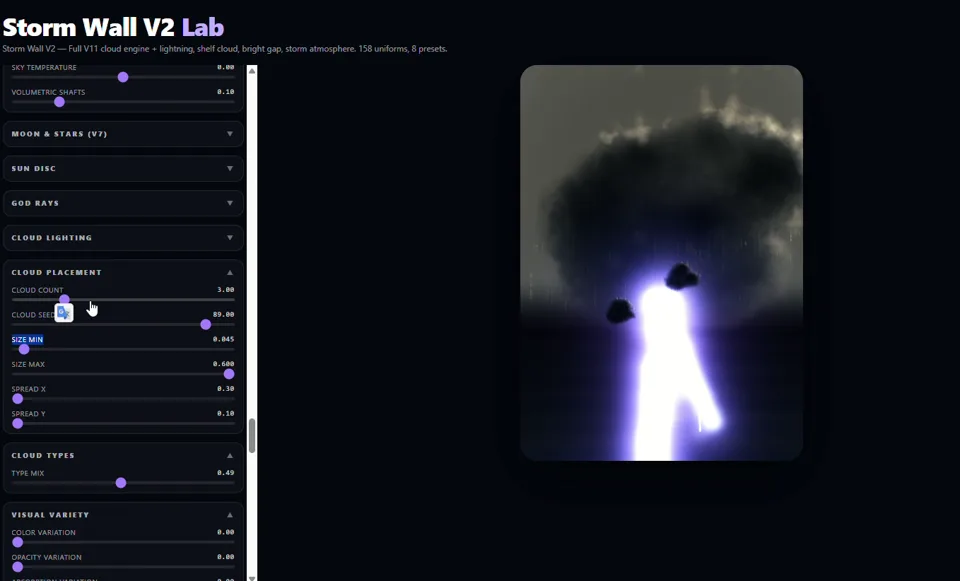

AI is great at writing math and code, but it can also repeat itself or hallucinate weird visuals. To make each card fun and unique, I had the AI add live control sliders directly onto the screen. This made it possible for me to tweak several variables by hand in real time.
Being able to play with the effects live helped me find the sweet spot for every card. It made the project feel like a creative sandbox where I could test ideas quickly and see what AI was truly capable of.
A Sandbox of 225+ Visual Experiments
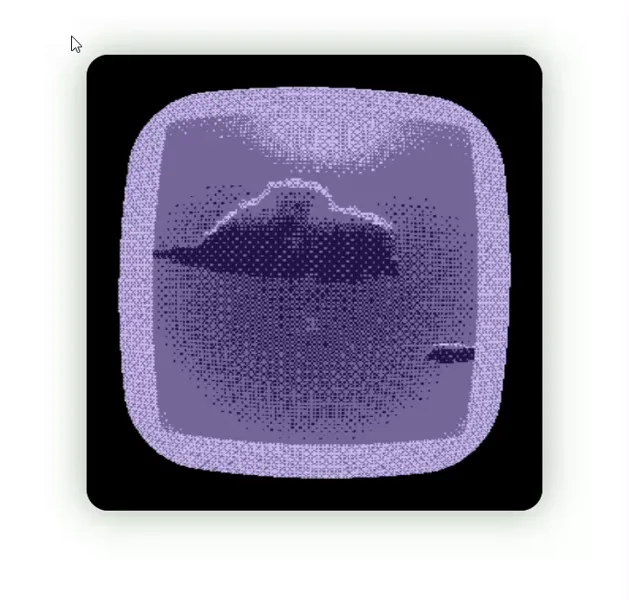
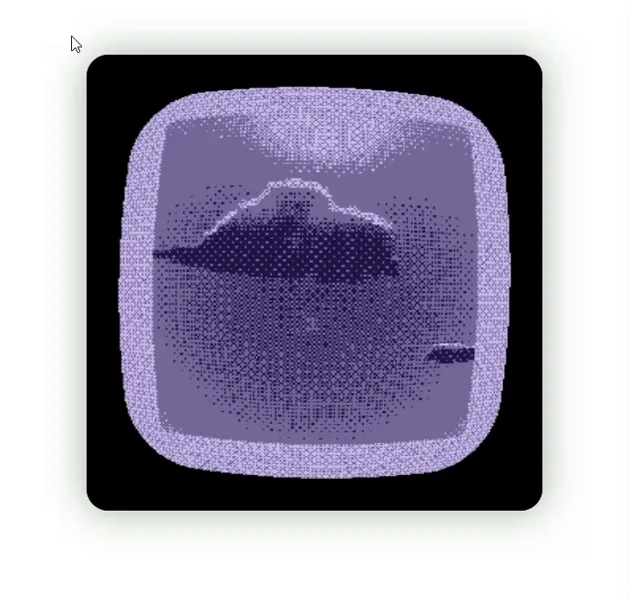

The site is packed with dozens of shader styles, from prism refractions and liquid ripples to wireframe grids, particle vortexes, and more. Building this gave me a massive library of visual ideas and interaction tricks that I can bring into future design projects.


Built for Desktop, Not Mobile
Because this was an open experiment and not a commercial client website, I did not focus on mobile optimization. These shaders use heavy real-time GPU math. If you open it on a phone it will probably lag and freeze, but running it on a desktop gave me total freedom to make the visuals as rich as possible.
What I Learned and What Comes Next
Building this platform was easily one of the most fun projects I have worked on. I really enjoyed the process of unboxing what AI can generate when you guide it with clear ideas and live feedback. It opened my eyes to new visual possibilities and gave me a fresh perspective on how designers and AI can build creative tools together.
You can try out all the shaders and sliders live at hologram-puce.vercel.app ↗.