Bounshy
Playful Animated Typography with Spring Physics & Cursor Effects
Overview and The Spark
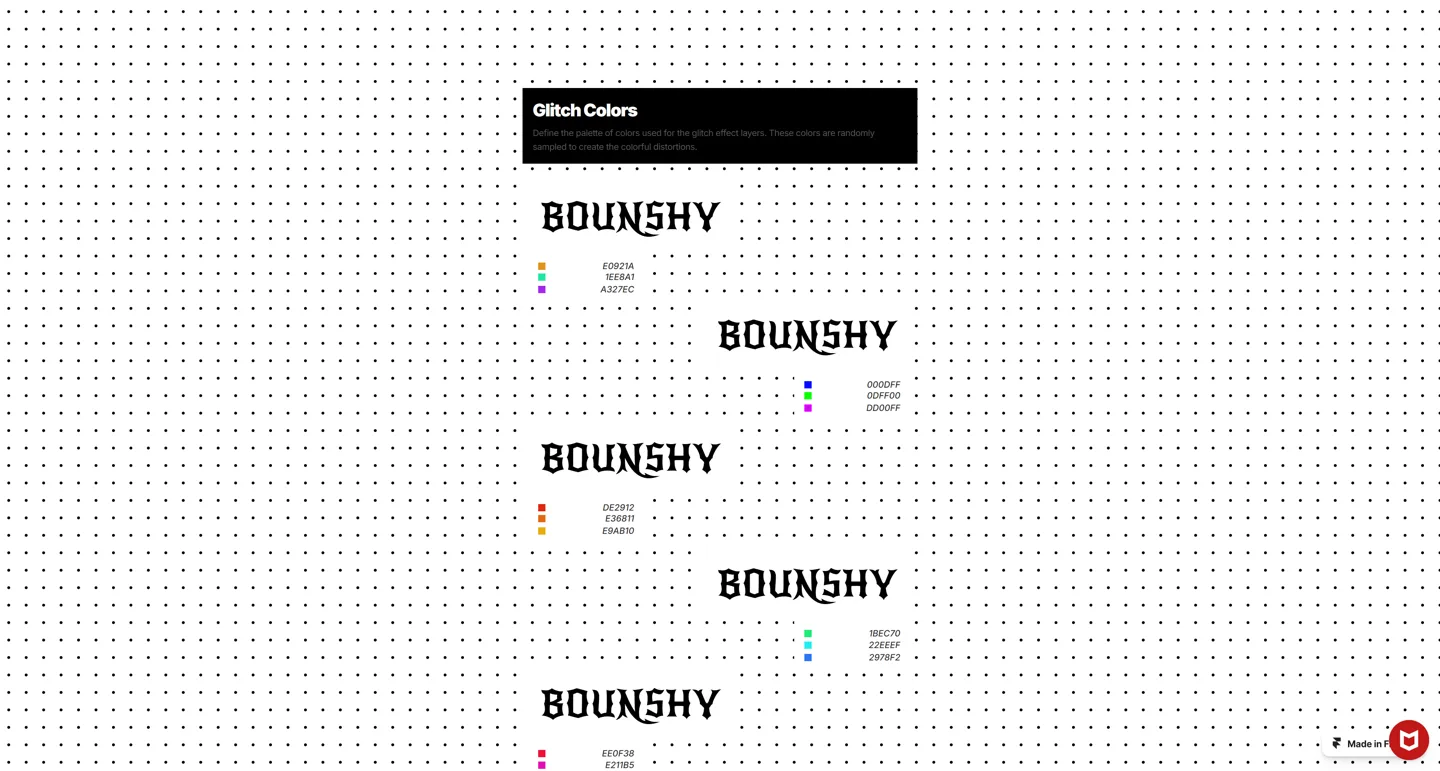
I wanted to build something visually bold, playful, and interactive that made web typography feel alive. Most text on websites is completely static, but I wanted words to react to your mouse with springy physics, unexpected shakes, and bursts of color whenever you hover over them.
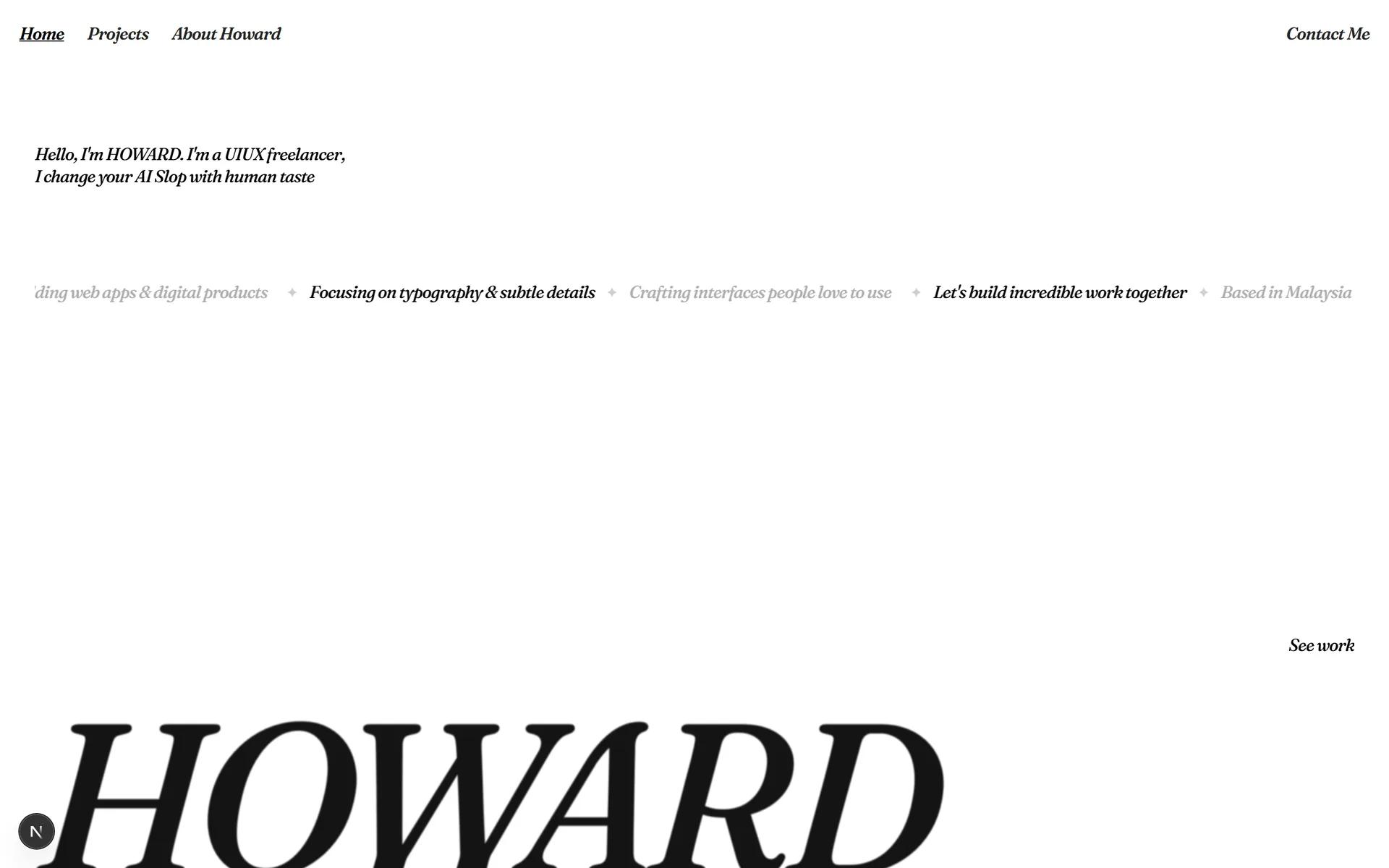
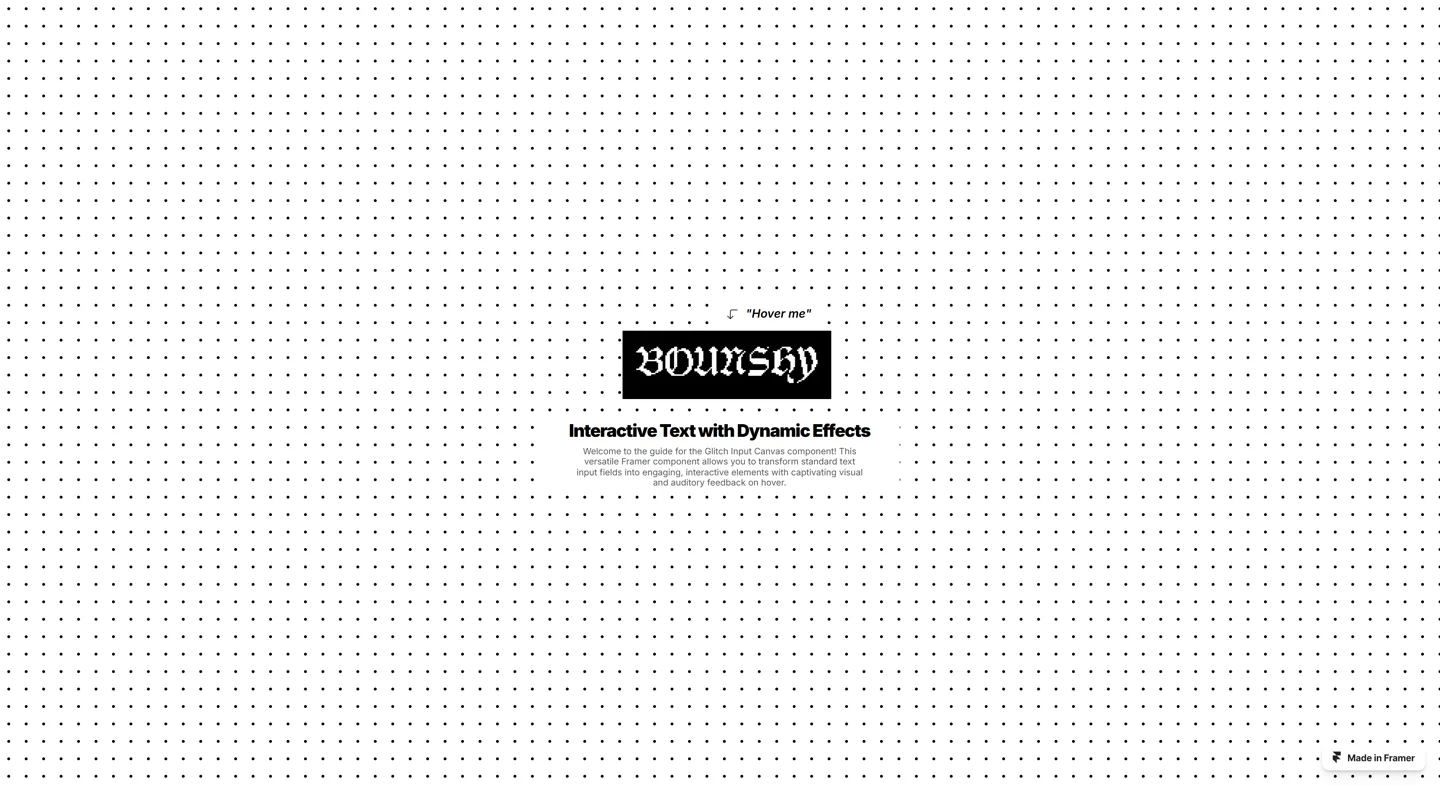

To make the interaction effects stand out, I designed a high-contrast black and white showcase page in Framer. The monochrome layout acts as a quiet canvas, making every colorful glitch and particle pop the moment you move your cursor.
Building Custom Code Components with Claude
This was my first time using AI to turn an interactive concept in my head into working code components. I designed the structure in Framer, then used Claude to brainstorm the physics math and write the custom React code.
My workflow was all about quick iteration. I would describe the motion I wanted, test Claude's code directly inside Framer, and tweak the timing and spring tension until the words felt snappy and playful.
Five Core Interaction Modules
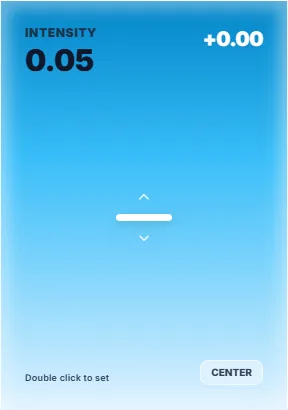
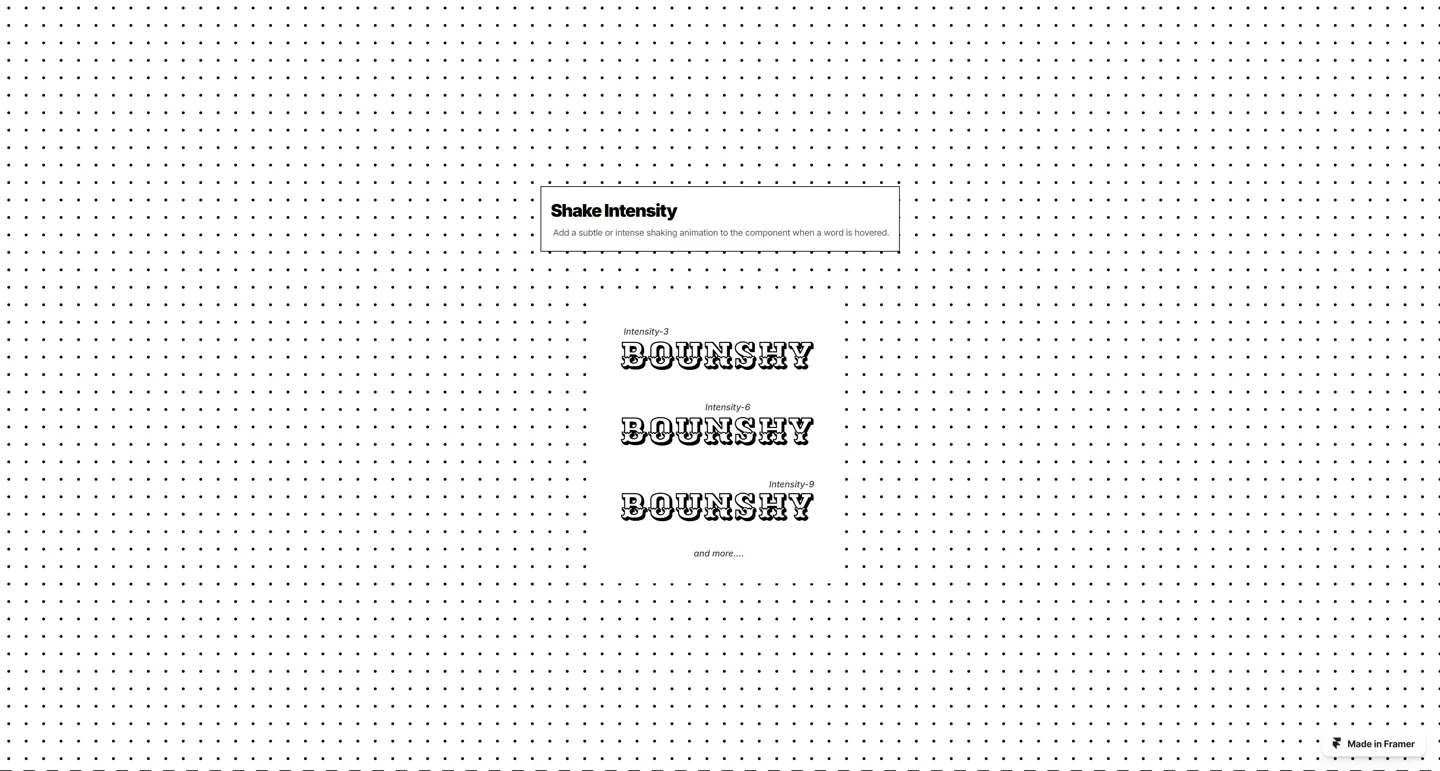


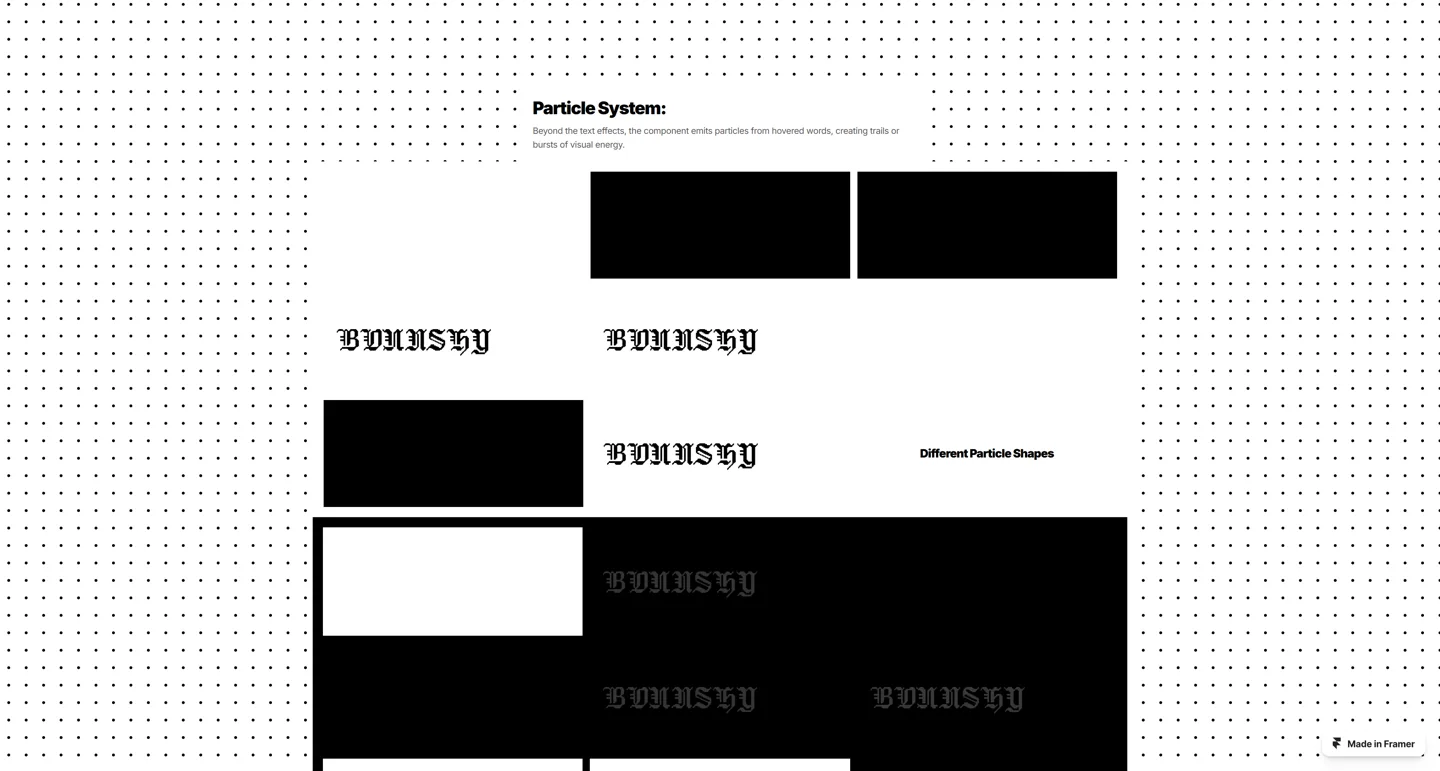

Across the showcase page, I built five distinct interaction modules: Hero Kinetic Text, Shake Intensity, Glitch Color Layers, Particle Emission System, and One Last Thing. Each section demonstrates a different flavor of kinetic movement and tactile feedback.
What I Learned and What Comes Next
Building Bounshy proved that even simple typography can become a memorable digital experience when you add playful micro-interactions. It also gave me confidence in using AI as a pair programmer to build custom interactive components that go far beyond standard no-code templates.
You can try out all the interactive kinetic text effects live at bounshy.framer.website ↗.