Control (Slider Interaction Design)
A Vertical Slider Prototype Built for Easy One-Hand Phone Scrolling
Overview and The Spark
While working on my Hologram project, I noticed how annoying standard horizontal sliders felt on mobile phones. When you hold a large phone with one hand, your thumb naturally moves up and down, not sideways. Trying to swipe across the entire screen to drag a tiny horizontal slider is clumsy and unnatural.
Almost all mobile apps rely on vertical scrolling. I wanted to design a value control system that works with your thumb instead of fighting it, turning clunky horizontal sliders into fluid vertical throttle controls.
From Initial Framer Mockup to Working Code
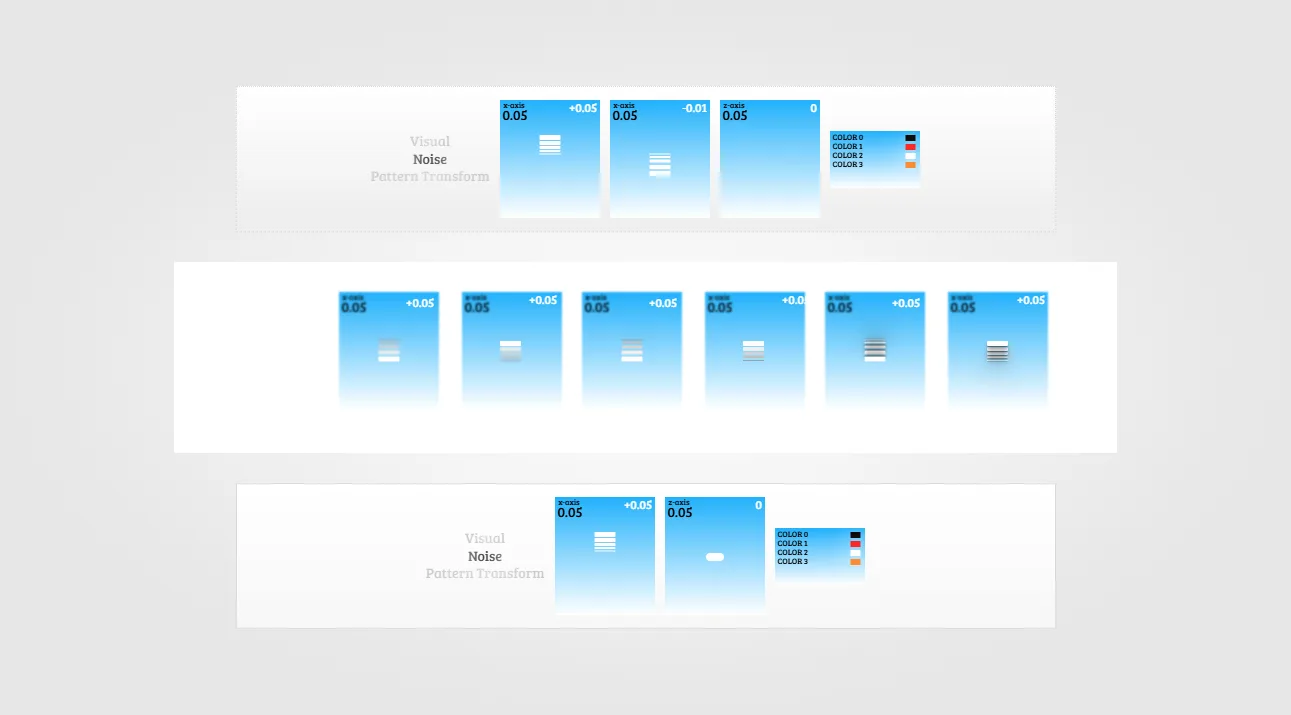
I started by sketching and laying out the component structure directly in Framer. I wanted the interface to stay clean and quiet when idle, but come alive the moment your thumb makes contact with the screen. Here is the initial design stack I created before translating the concept into code with the Antigravity CLI.
Throttle Physics and Velocity Control
Traditional sliders only move between point A and point B on a fixed track. For this project, I built a throttle mechanic. When you touch and drag upward, the value increases faster the harder or higher you pull. When you release, it smoothly locks in your value.
I used the Antigravity CLI to write the interaction physics, adding smooth drag damping, velocity acceleration, and real-time numeric readouts.
Five Distinct Visual Themes
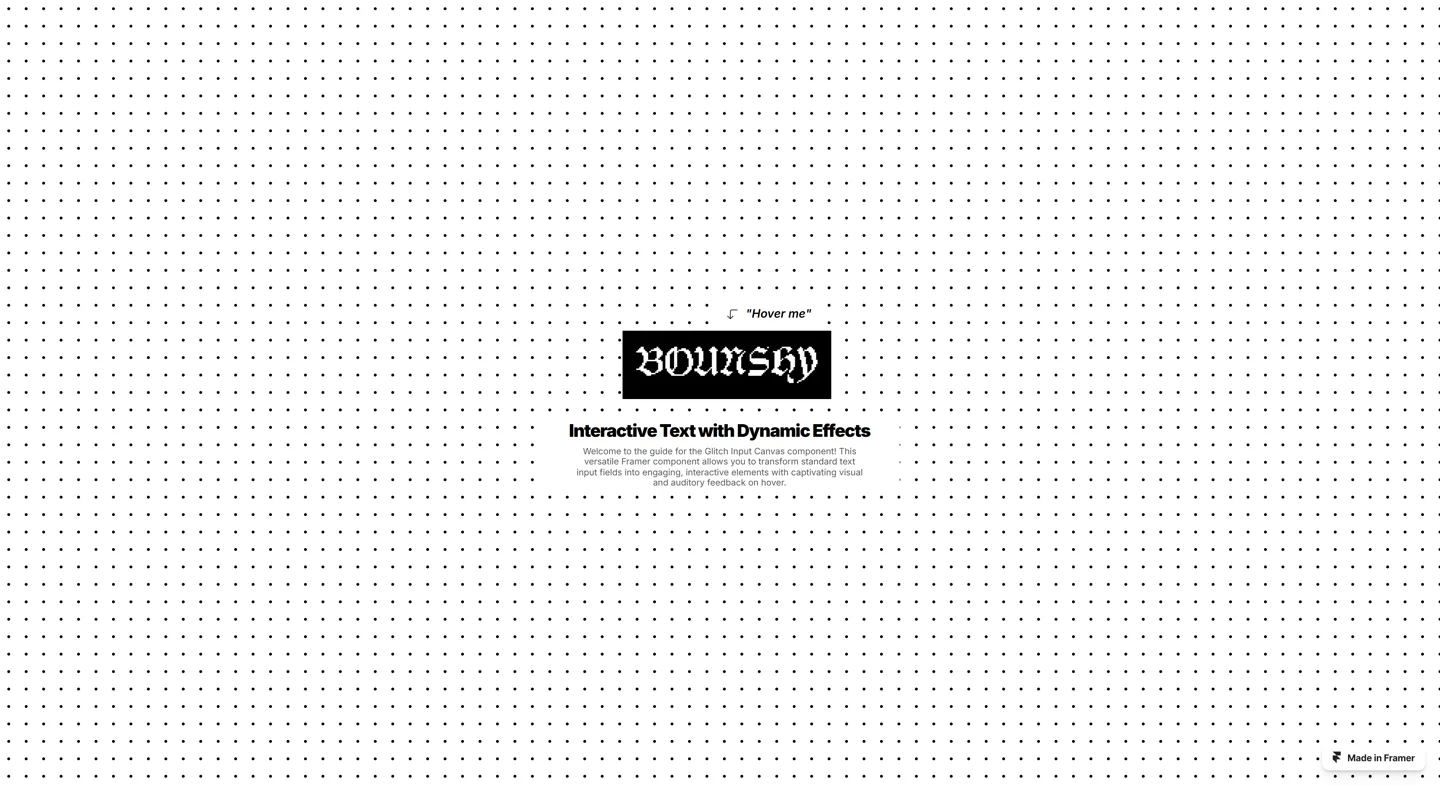
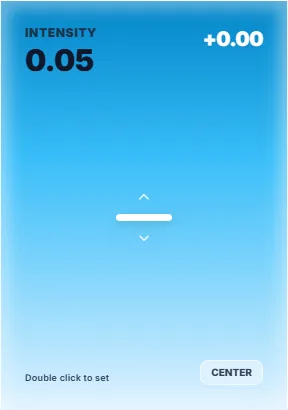

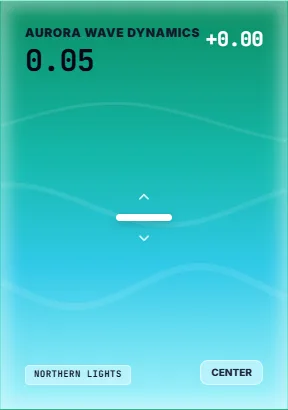

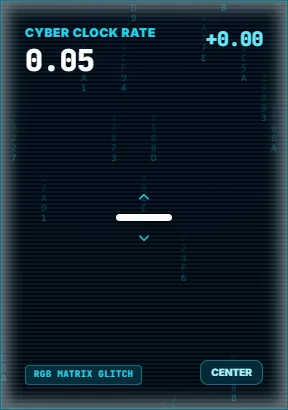

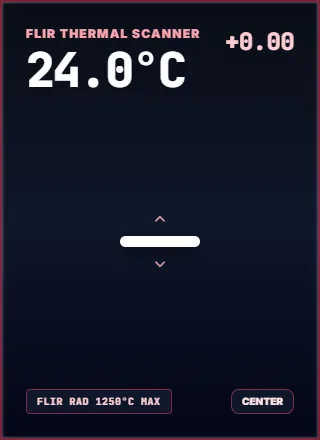

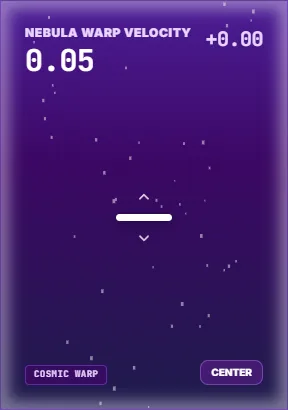

To explore different aesthetic moods, I built five visual themes for the control system: Original, Aurora, Glitch, Heatmap, and Nebula. Each theme gives the slider its own distinct visual personality while keeping the core vertical touch ergonomics intact.
What I Learned and What Comes Next
Building this prototype taught me how applying a pure UI/UX ergonomics mindset can completely transform a basic web component. While this is version one, it proved that vertical throttle controls feel vastly better on touchscreens. My plan is to take this interaction pattern and integrate it directly into the mobile version of my Hologram platform in the future.
You can test and play with the vertical controls live at control-five-rho.vercel.app ↗.